Edit your website right where you see it
Most content management systems work the same way: you log into an admin, find the right field in a form, fix the text, save — and then switch tabs to see whether it came out the way you wanted. Four steps away from the thing you were actually trying to change.
We turned it around. On a website built with our CMS you click straight on the text — on the finished, live website — and fix it in place. It saves itself.
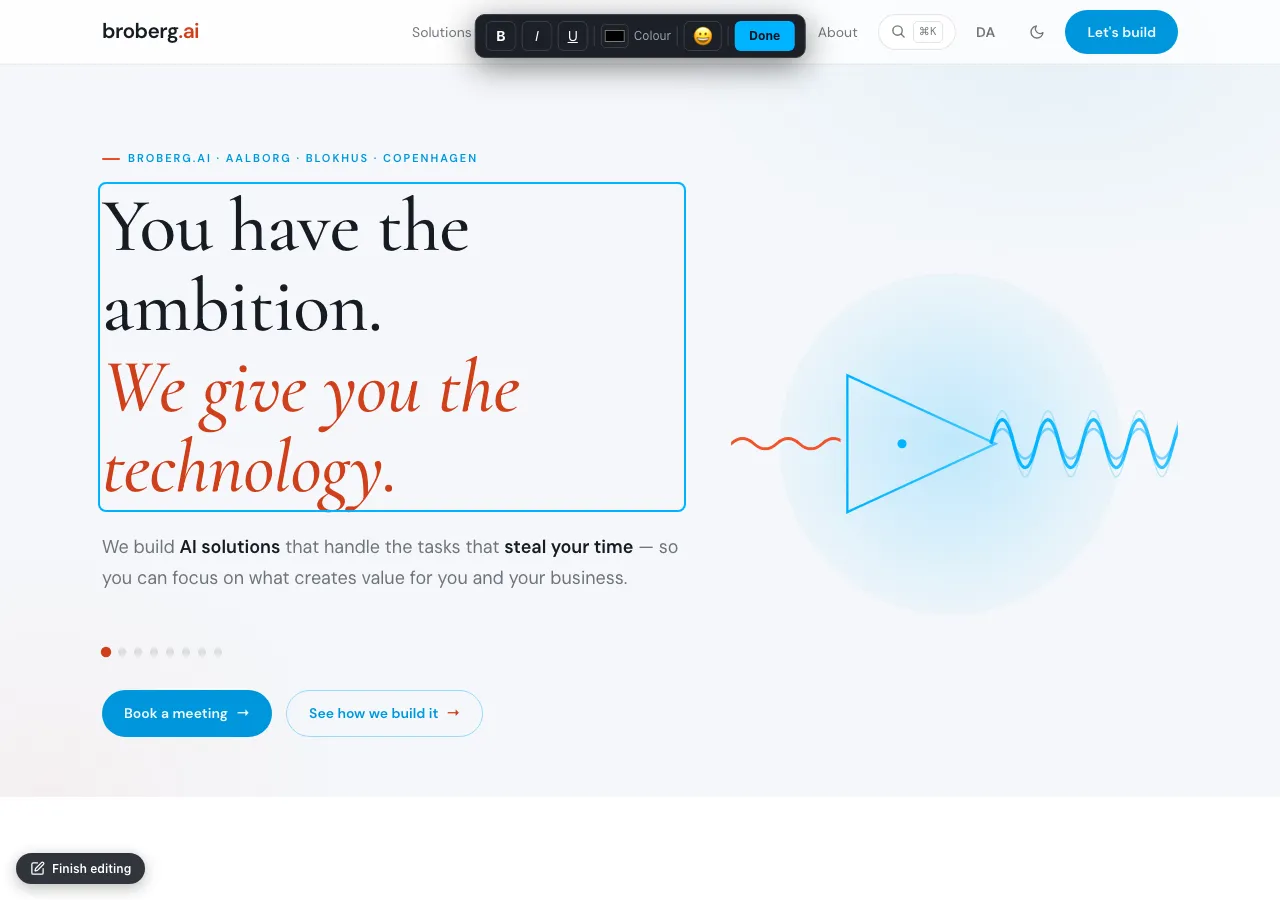
Click the homepage headline, select the text, and type — the toolbar follows along. You never leave the page.
Click what you want to fix
Once you're signed in, a small edit button appears down in the corner. From there the whole website is editable: hover over a headline, a paragraph or a button label, click, and type. When you click away, the change is saved.
For longer text — an article, a description — a small toolbar unfolds with bold, italic, underline, colour and links. Right where the text sits, not in a form somewhere else entirely.
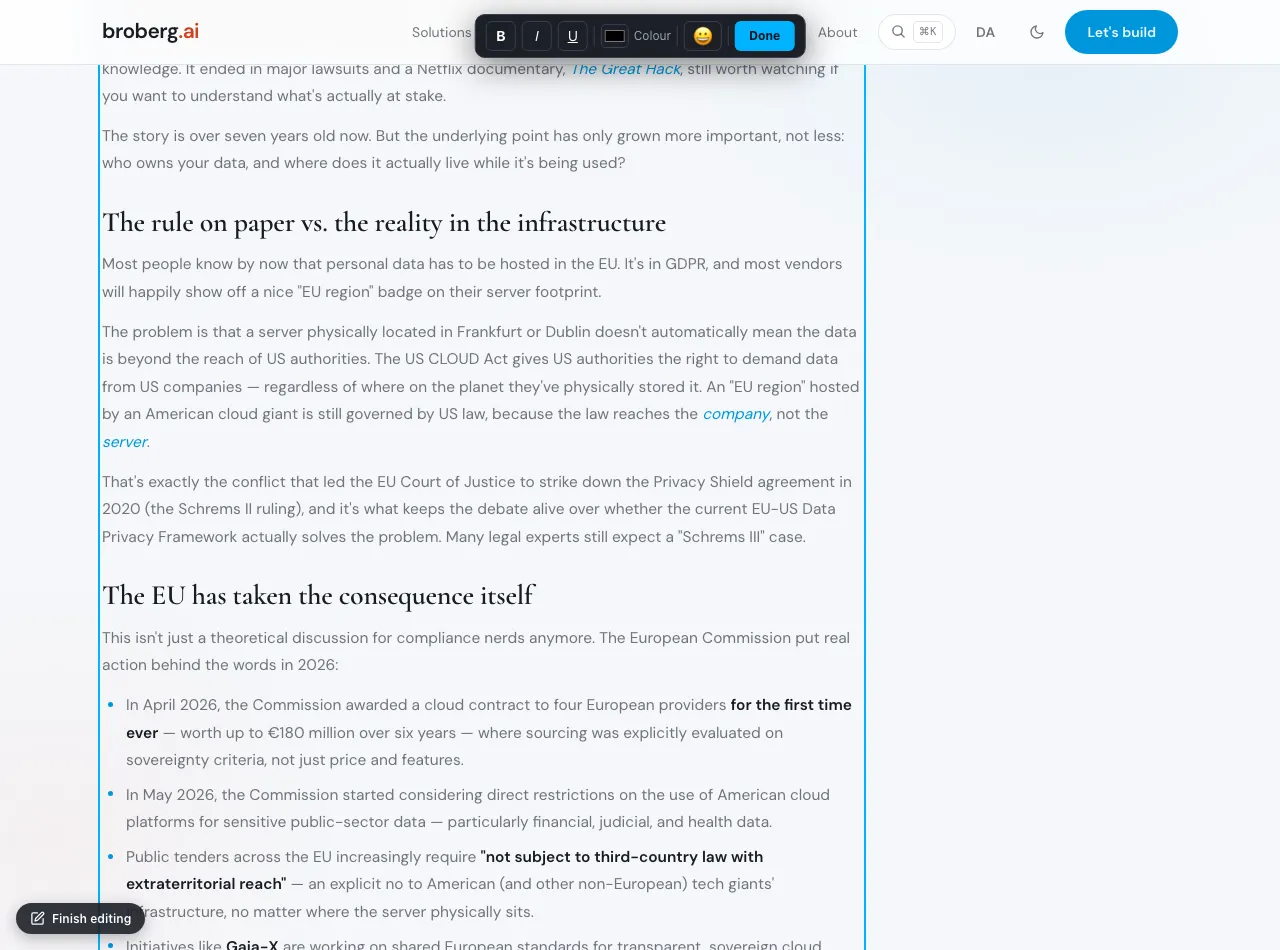
On an article you get bold, italic, colour and more — in the same place as the words themselves.
"Headless" means the content isn't stuck in the page
The technical word for the foundation is headless. It sounds abstract, but the point is simple: the content is separated from the way it's shown.
Instead of the text being cast into one HTML page, it lives in a structured CMS as content in its own right — headlines, paragraphs, images, each with its own place. The website then pulls the content from there and displays it. That separation is why the same content can be used in several places at once: your website, a future app, an English and a Danish edition — all from a single source. No double maintenance, no fragile page-builder locking you in.
How the edit finds its way home
Here's what makes inline editing more than a clever illusion: when you fix a piece of text on the live website, it isn't just a visual change in your browser. It's a real save back into the CMS.
The moment you click away, the corrected text is written back to exactly the same structured document the rest of the system reads from. It happens safely and automatically — the website and the CMS are never out of sync, because your edit is a CMS update. The next visitor sees the new text, and the next time someone opens the admin, it's there too.
Two places to edit — one truth
Because the content lives in one place, you can edit it in two, depending on what suits you:
- On the page, inline, when you spot a typo or want to polish a phrase while you see it in its real context.
- In the admin, the classic editor with every field, when you want to work in a structured way — create a new article, manage images, edit across languages.
Both routes write to the same source. There's never any doubt about which version is the right one, because there is only one.
Direct as a document — solid as a CMS
That's the balance we were after: the feel of editing a document, with the backbone of a real headless CMS — versioning, structure, multiple languages, media. You get the direct and the durable at the same time.
And you don't have to think about any of it. You click the text. You fix it. Done.